
01
Complete 15–20 minutes before the match
- The App shows the correct camera for this match.
- Battery is above 20%. Connect power below 20%; do not start below 10%.
- The storage card is available with more than 10% free. Free space first if below 2%.
- Temperature is normal. After a large temperature change, wait until the lenses are clear of fog.
- The position is near halfway, the tripod center is about 3–5 m from the touchline, and the tripod is at the specified height with every section locked.
- The camera is level, the full playing area is visible, and the camera and mount cannot be knocked easily.
- The field corners are confirmed and neither the camera nor tripod has moved since confirmation.
- Streaming or uploading requires camera internet access; Bluetooth alone does not prove the camera is online.
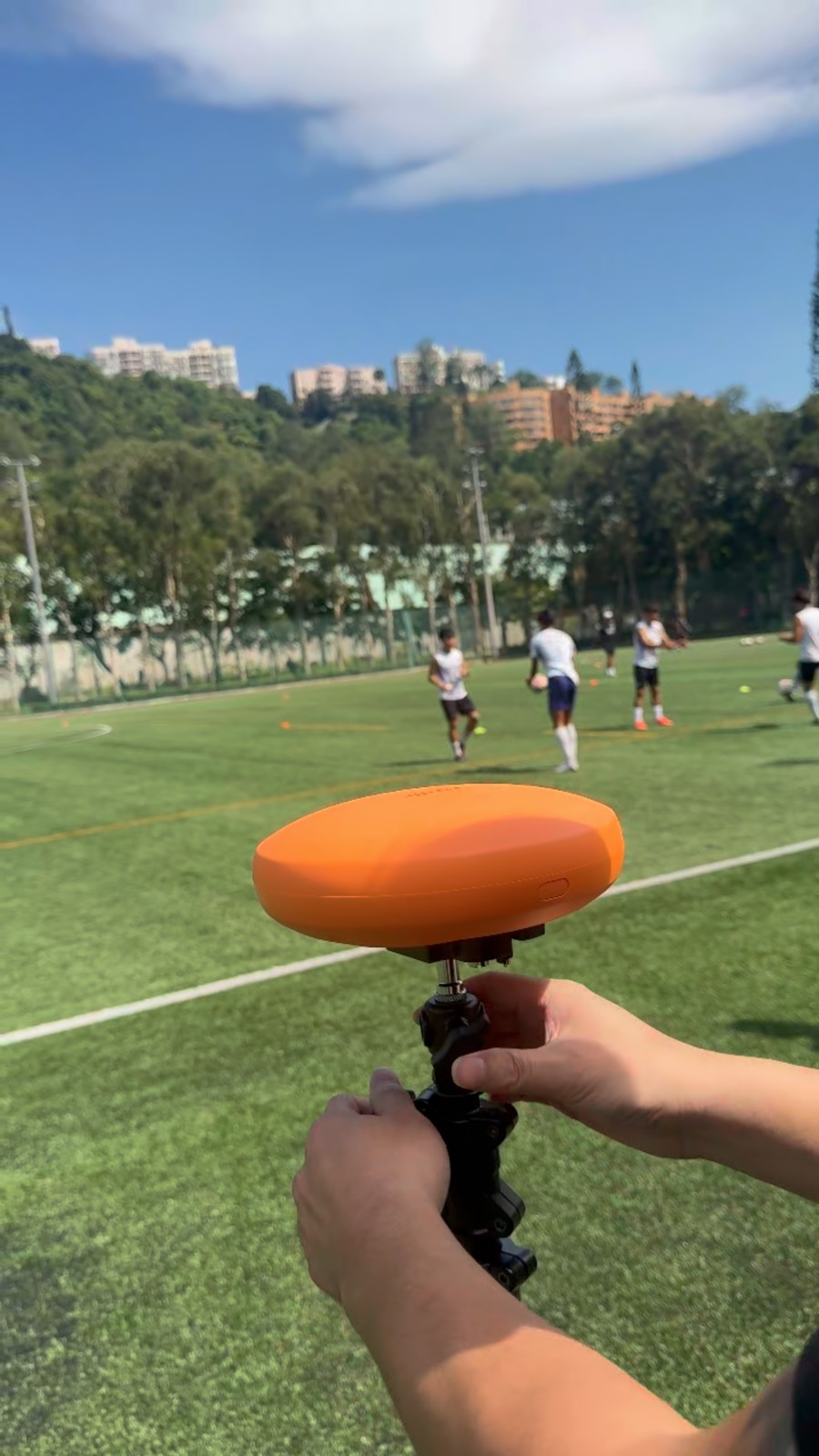 View full size ↗
Current field photo from the approved Ballr standard material library.
02
Test order
- 1
Open preview and check framing.
- 2
Record a 20–30 second test clip.
- 3
Stop and confirm it was saved safely.
- 4
If streaming, run the network test and confirm field boundaries.
Complete
If your screen differs from this guide, check the camera model, App or firmware version, account role and organization service status.
Did this guide solve the issue?Send feedback