
01
Three user roles
- Club administrator: manages the club's teams, cameras, members, plans and content.
- Team administrator: manages only their team's cameras, members and match content.
- Player: views recordings for their team and can create personal clips or download when permitted.
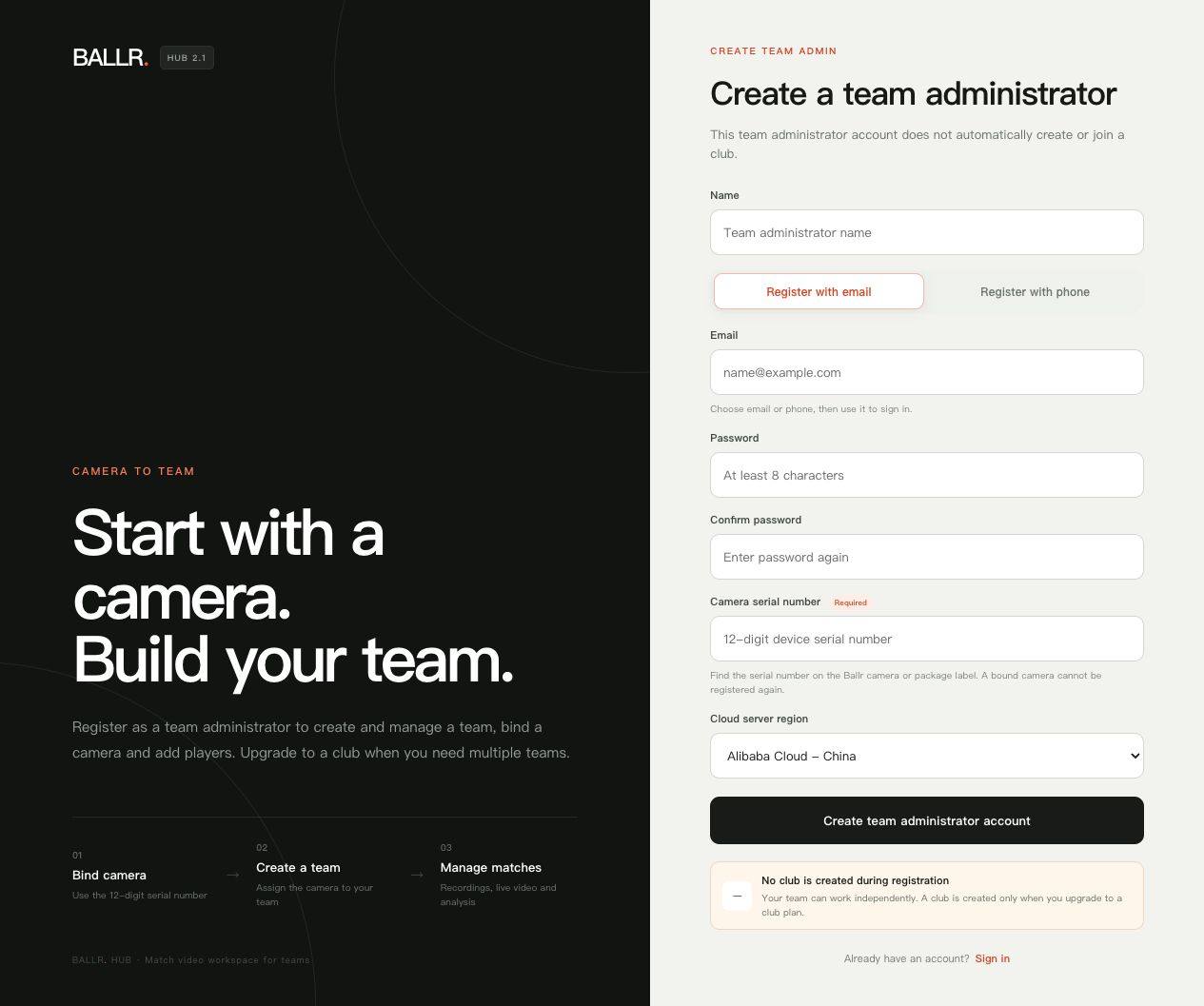 View full size ↗
English Hub2 2.3.171 screenshot retained only as a path reference. Current production is Hub2 2.3.180; follow the current labels shown on screen.
02
When a menu is missing
- Confirm the signed-in account and current club or team.
- Sidebars differ by role, so a hidden menu is not necessarily an error.
- Ask an administrator to check membership and permissions; do not share an administrator account.
- If you have not joined a club, submit a club application from the page prompt and wait for a club administrator to review it. Do not register duplicate accounts for the same identity.
- Analytics, live and plan entries can also depend on the organization's service status.
Complete
If your screen differs from this guide, check the camera model, App or firmware version, account role and organization service status.
Did this guide solve the issue?Send feedback