
01
After the match
- 1
Confirm recording and streaming have both ended.
- 2
Confirm the final clip appears in the camera library.
- 3
Let active writing or upload tasks finish, or pause them deliberately.
- 4
Power off, disconnect power and let the camera cool before packing it.
02
Cleaning and storage
- Wipe lenses with a clean soft lens cloth; avoid rough paper and corrosive cleaners.
- Keep ports and cooling areas dry and free of grit.
- Secure the camera and mount during transport and protect the lenses from pressure.
- Check battery and storage periodically during long storage; do not leave the camera in a hot vehicle.
 View full size ↗
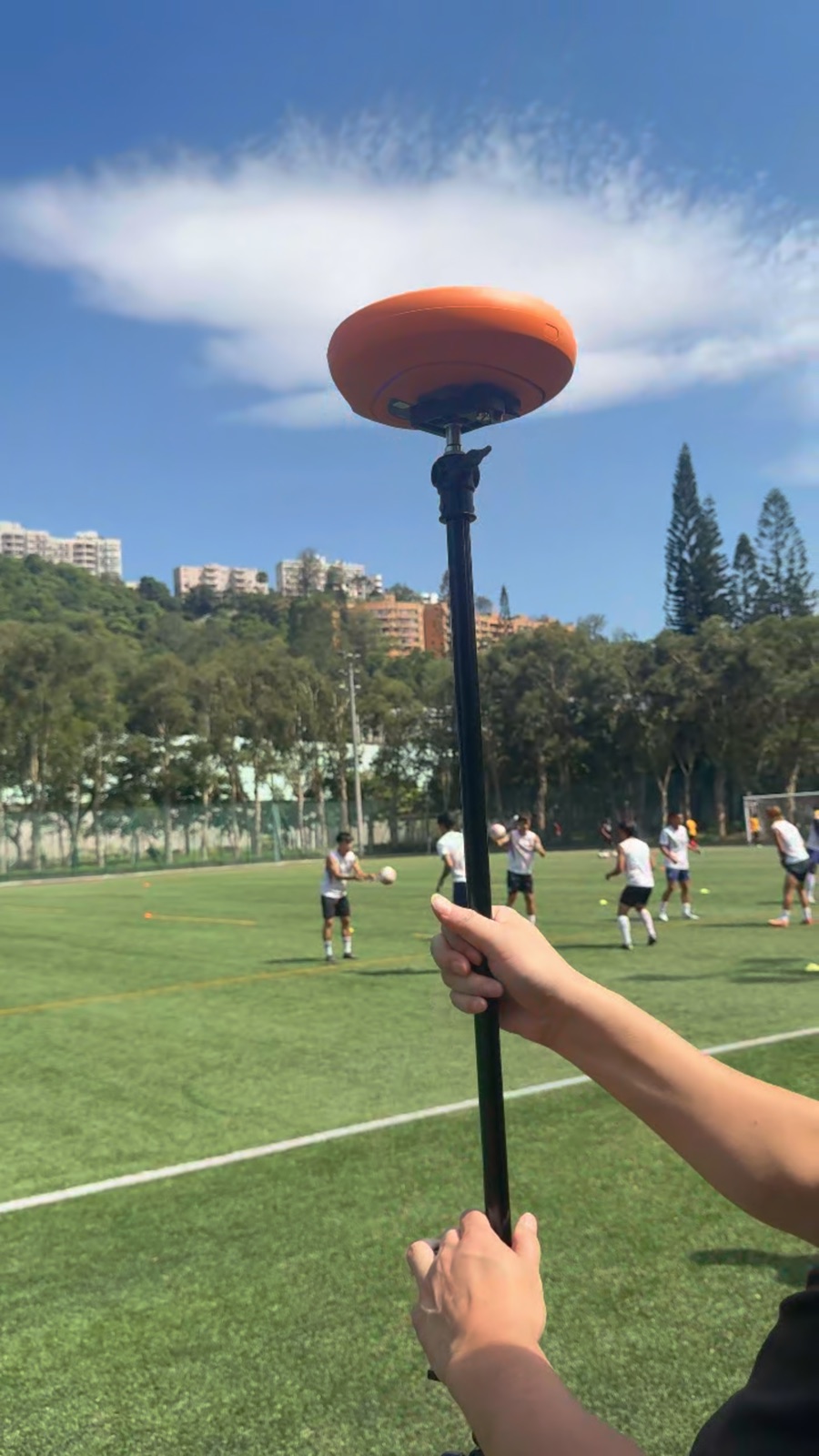
Current field photo from the approved Ballr standard material library.
Complete
If your screen differs from this guide, check the camera model, App or firmware version, account role and organization service status.
Did this guide solve the issue?Send feedback