
01
Three roles
- System administrator: manages every venue, camera, order, video and back-office account.
- Venue administrator: manages only assigned venues, fields, cameras, prices, orders, live sessions and videos.
- Player or paying user: opens /play or scans a venue QR code to choose, pay for, start and view a service.
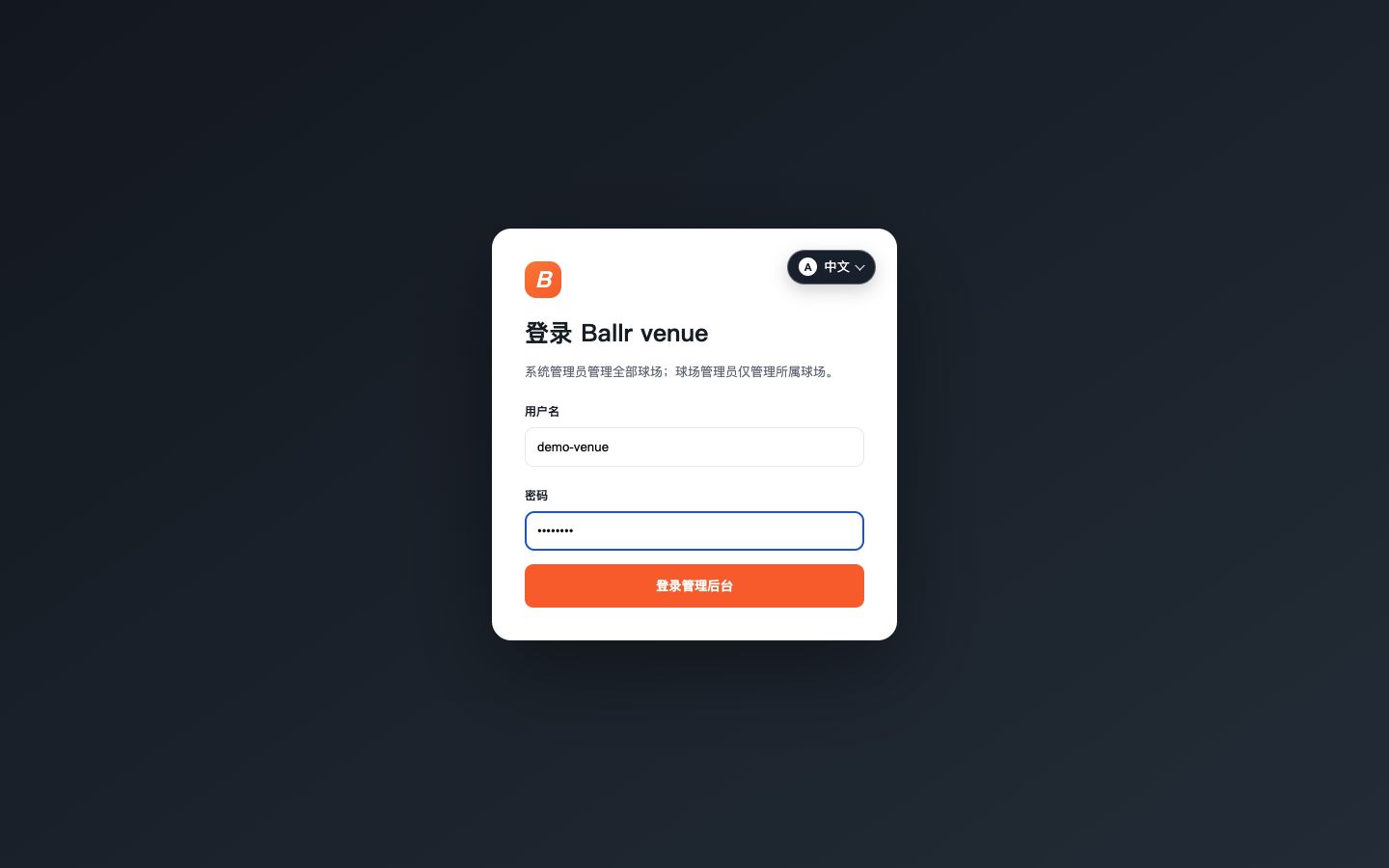 View full size ↗
Current real product interface captured from the stated version. Any account, device or progress values shown are sanitized tutorial data.
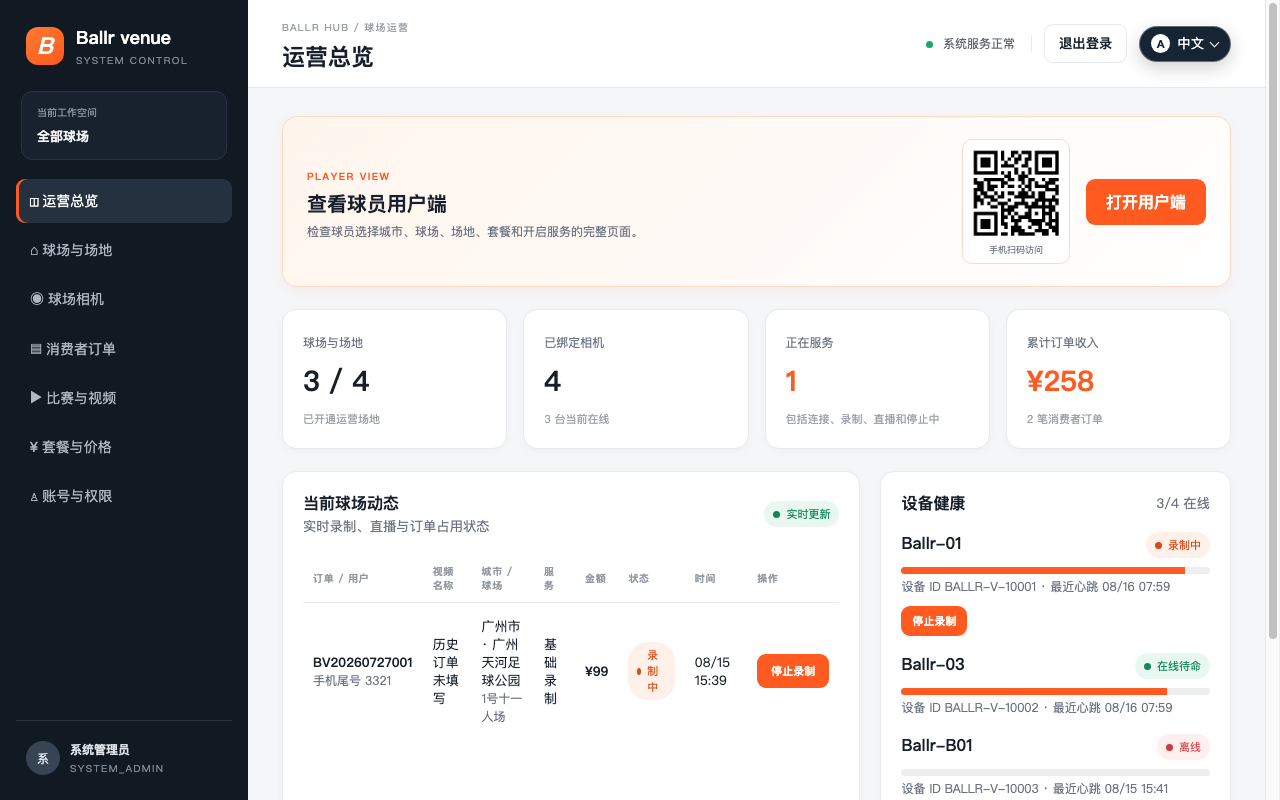 View full size ↗
This real product screenshot identifies the workflow path. Follow the version note and current on-screen labels; replace an older versioned image with a sanitized current screenshot before publishing.
02
Relationship to the camera-owner workflow
Venue is a separate branch for temporary on-site services. Camera owners continue to control their own cameras in the Ballr App and manage teams and recordings in Ballr Hub.
Complete
If your screen differs from this guide, check the camera model, App or firmware version, account role and organization service status.
Did this guide solve the issue?Send feedback