
Configure
- 1
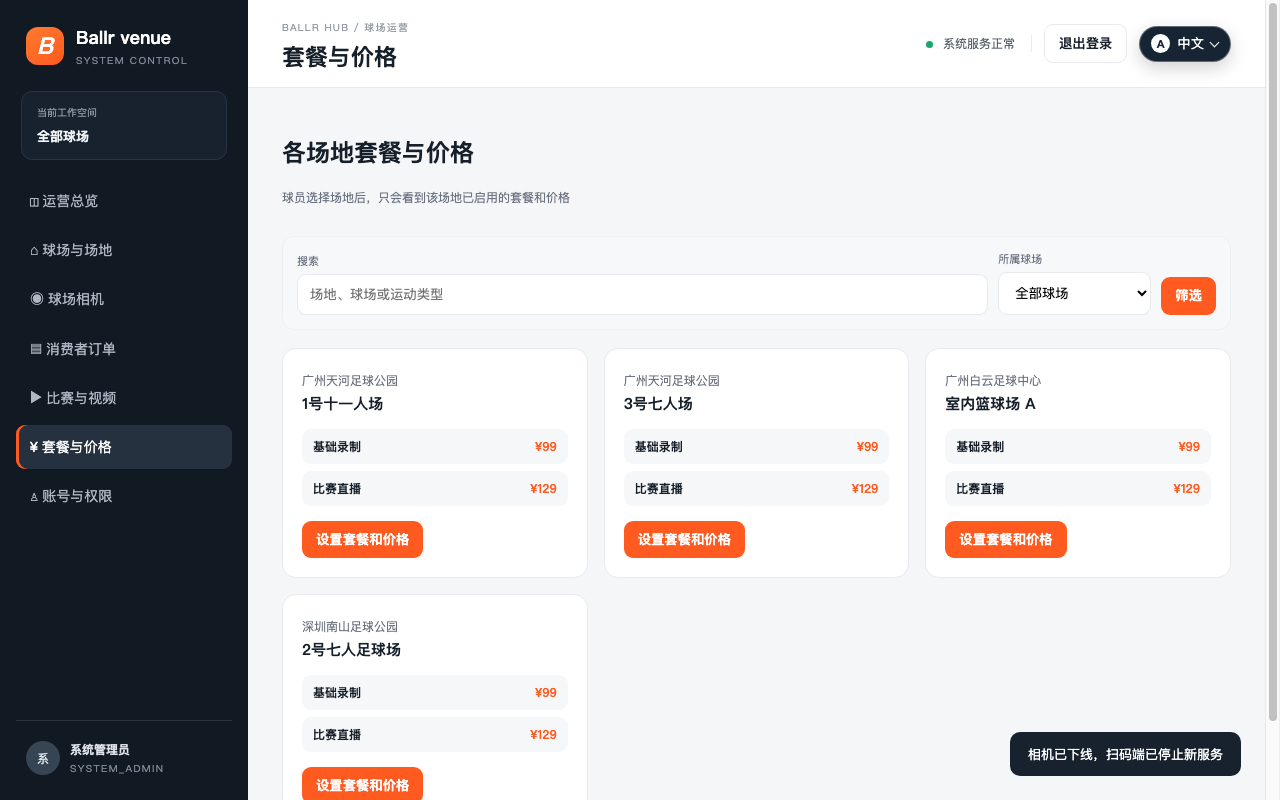
Open Settings → Packages and prices.
- 2
Choose the assigned venue and target field.
- 3
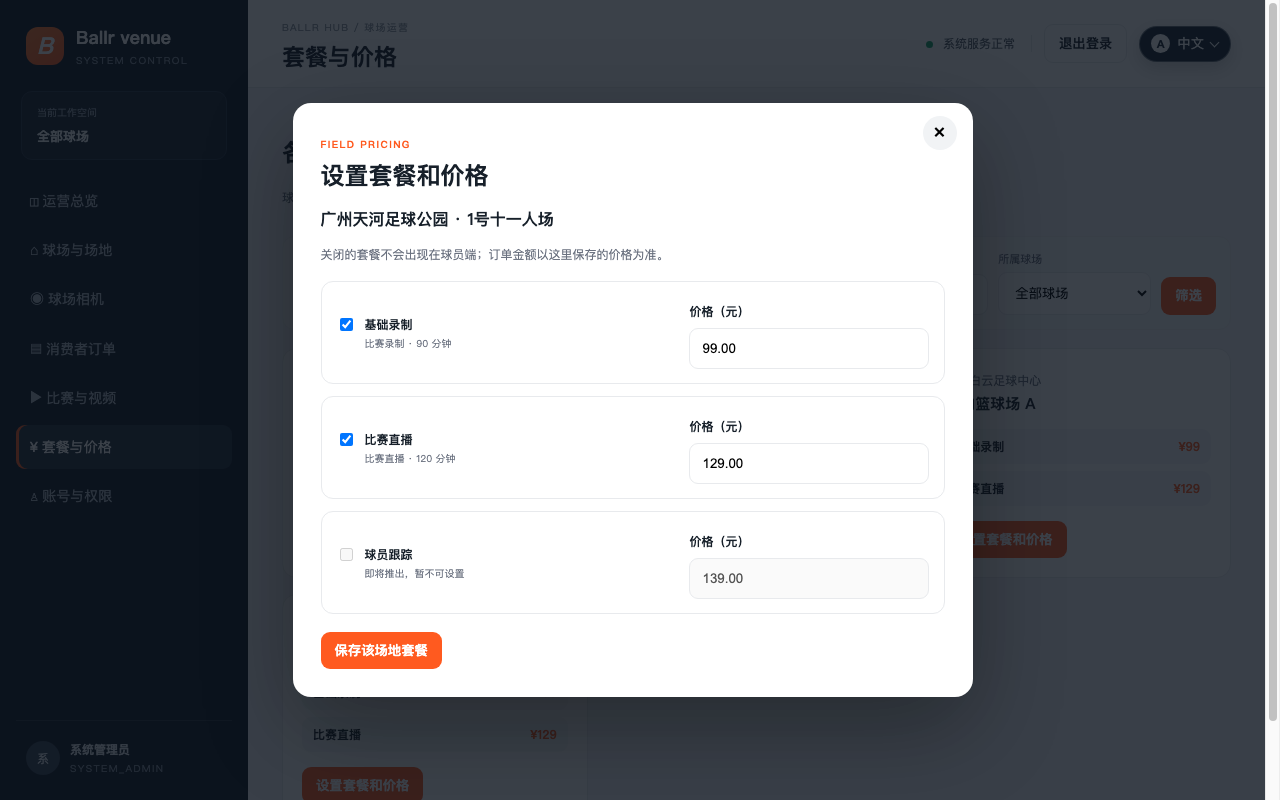
Enable only services genuinely supported by the current camera and operation.
- 4
Enter the actual sale price for that field and save.
- 5
Choose the same field on the player site and verify the package name and final price.
 View full size ↗
This real product screenshot identifies the workflow path. Follow the version note and current on-screen labels; replace an older versioned image with a sanitized current screenshot before publishing.
 View full size ↗
This real product screenshot identifies the workflow path. Follow the version note and current on-screen labels; replace an older versioned image with a sanitized current screenshot before publishing.
If your screen differs from this guide, check the camera model, App or firmware version, account role and organization service status.