
Quick answer
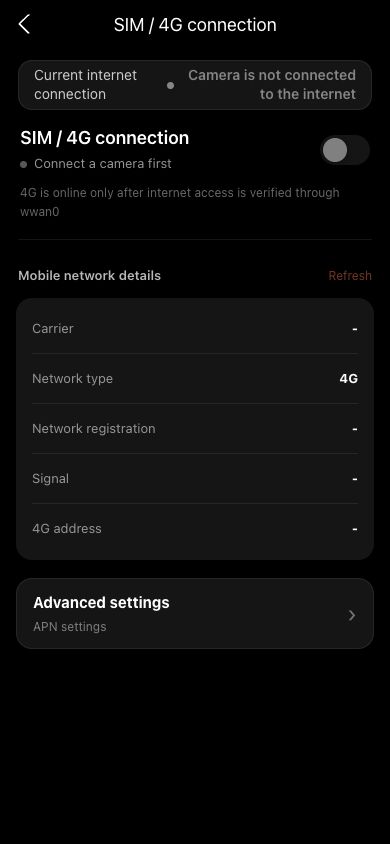
This is normal when the camera prioritizes working Wi-Fi. 4G registration only means a fallback link is ready; uploads and live streams use the route shown as the current internet method.
 View full size ↗
Check carrier registration and the active uplink together. Registration without wwan0 internet verification is not proof that 4G is online. The screenshot contains sanitized demo data.
Why it happens
Carrier registration, a running dial-up process and a real internet uplink are three separate stages. The first two can succeed without usable data.
Troubleshoot
- 1
Refresh mobile-network information and confirm SIM, carrier and signal are detected.
- 2
Check the current uplink. When Wi-Fi works, the system may still prefer Wi-Fi.
- 3
Run the 4G connectivity test and confirm tested via or active uplink is wwan0.
- 4
If it fails, disable 4G, wait for it to stop, then enable it again.
- 5
Change APN only when the carrier explicitly requires it, then disable and re-enable 4G after saving.
If your screen differs from this guide, check the camera model, App or firmware version, account role and organization service status.