
Start recording
- 1
Connect to and select the correct camera.
- 2
Pass the pre-match checks and confirm the recording name; team details can be added later.
- 3
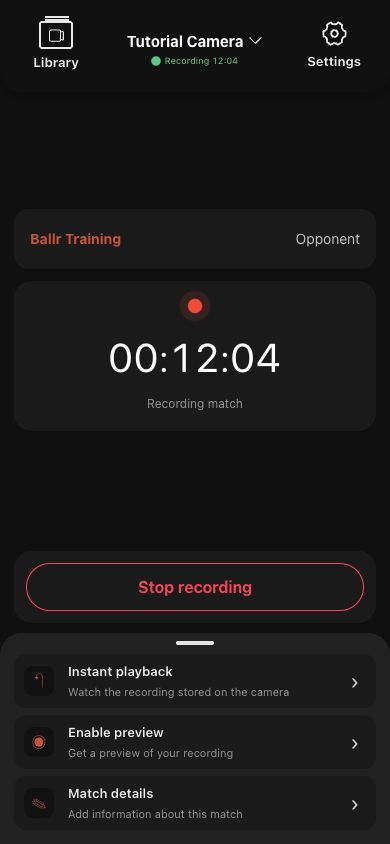
Tap Start recording and wait for an explicit Recording status.
- 4
After the timer starts, the phone can be put away; the camera records independently.
 View full size ↗
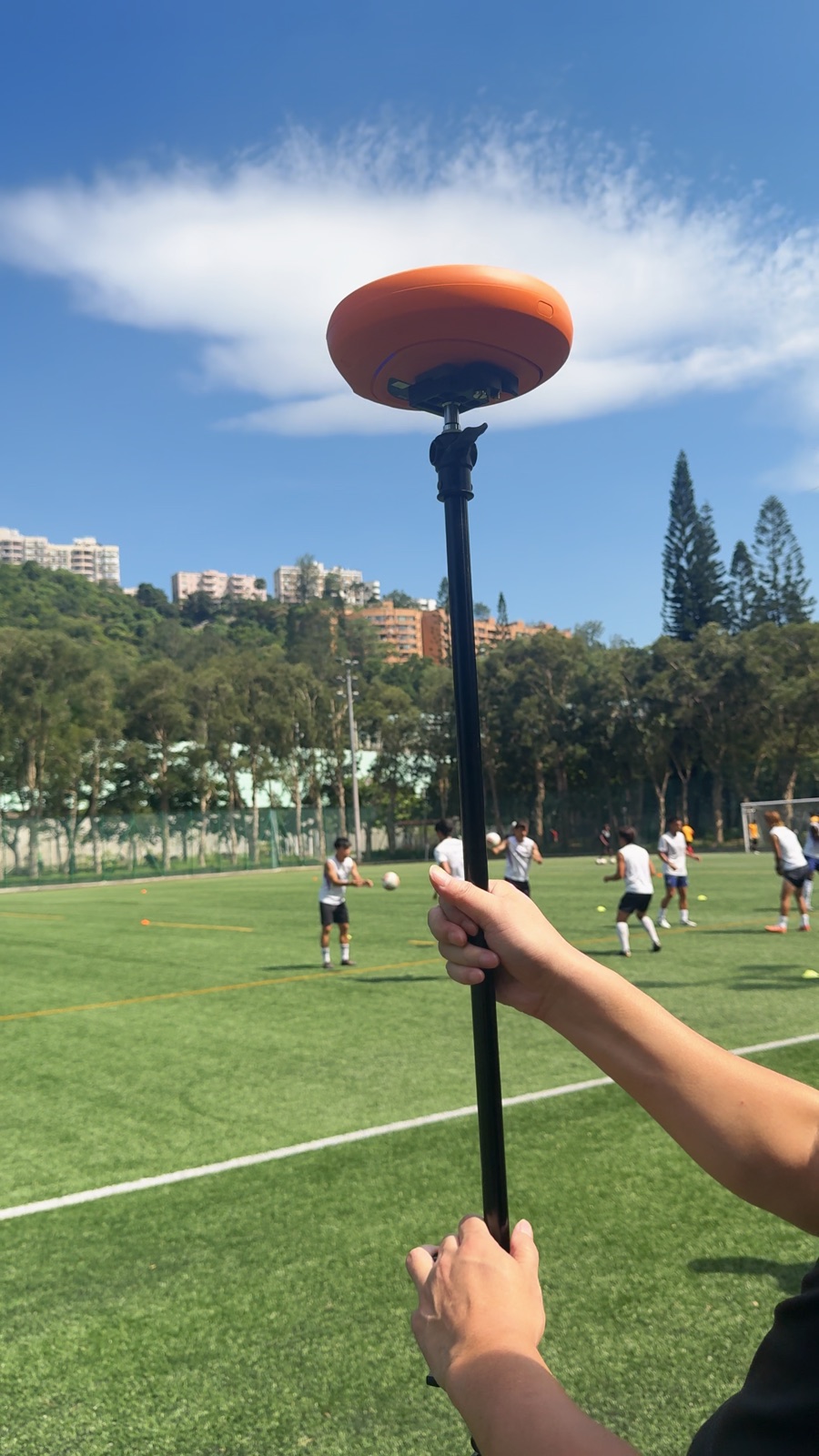
Secure the camera and mount, confirm direction and power, then return to the App to start recording.
 View full size ↗
Recording is confirmed only after the timer and Recording match state appear. Return to this page and use Stop recording when finished. The screenshot contains sanitized demo data.
End recording
- 1
Return to the active recording page and tap End recording.
- 2
Wait for the camera to stop and write the file. Do not tap repeatedly or power off immediately.
- 3
After the safe-save confirmation, complete match details or return to the library.
- 4
Confirm the file in the camera library before powering off or uploading.
If your screen differs from this guide, check the camera model, App or firmware version, account role and organization service status.