
Quick answer
Usually not. The camera hotspot is for local phone-to-camera access and may have no internet. The hotspot is working if Ballr App can read camera status and on-camera recordings.
 View full size ↗
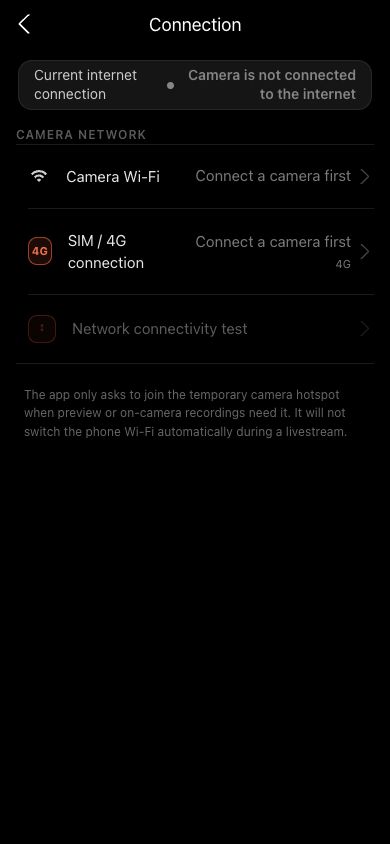
Connection settings shows camera Wi-Fi, SIM/4G, the actual active uplink and the connectivity test. The screenshot uses a sanitized demo network.
Steps
- 1
Confirm the phone's current Wi-Fi name is the target camera hotspot.
- 2
Return to the App and wait for Verifying camera to finish.
- 3
If iOS asks to join the network, explicitly confirm.
- 4
Temporarily disable VPN, proxy or security apps that block local networks.
- 5
Tap Reconnect. If it still does not respond, restart the camera and scan again.
If your screen differs from this guide, check the camera model, App or firmware version, account role and organization service status.